This is one of the biggest updates we've shipped. We're not just adding features, we're rethinking how meetings are captured, understood, and put to work. Bot-free recording gives you control over how you show up in calls. A redesigned desktop app brings everything into one place. And now your meeting knowledge lives inside ChatGPT and Claude too. And there’s more – here's what's new, and what's coming next.

What's new
A whole new way to Fathom.

What's launched

What's launched
What's launched
Now live on Mac
Same great notes, without the bot
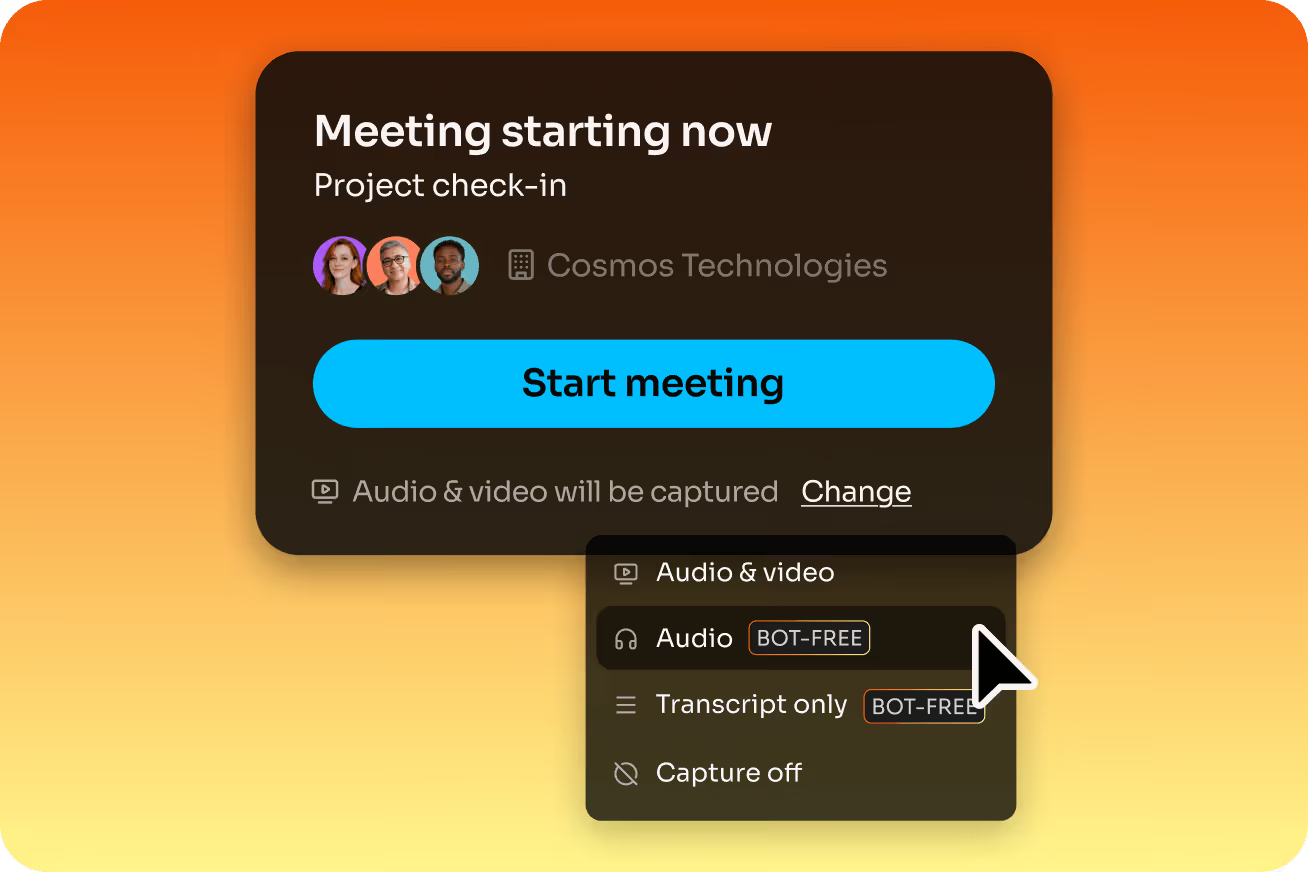
Choose how Fathom captures your meetings – bot or no bot, video audio or transcript-only. You're in control.
Not every meeting calls for a bot. Now you can choose how Fathom joins – or doesn't - meeting by meeting. Whether you want the full experience with video and audio*, or lightweight, options like audio + transcript or transcript-only, Fathom adapts to the meeting – not the other way around. A toolbar indicator shows your capture mode so you never have to guess.
*Bot-free video capture is currently in a limited beta; we're granting additional Fathom users access to this functionality every day.

Choose the capture mode that fits your call:
- Bot with full video and audio
Everything you know and love – the Fathom bot joins, captures the full call, and delivers a summary the moment it ends.
- Bot-free video (limited beta for Zoom)
The full picture, without the bot. Capture full video and audio so you can get complete context without a bot joining the call.
- Bot-free audio + transcript
All the accuracy, none of the bot. Capture audio and get a high-quality transcript and summary without a meeting participant joining.
- Bot-free transcript only
The same great summary and transcript. Great for sensitive calls, quick syncs, or anywhere a bot would feel out of place.
Switch capture modes seamlessly, meeting by meeting, with the desktop app. Most bot-free solutions leave you with an unusable block of text but Fathom's speaker attribution and mute acknowledgement mean you collect insights you can actually use.
Now live on Mac
In-meeting live summary & scratchpad
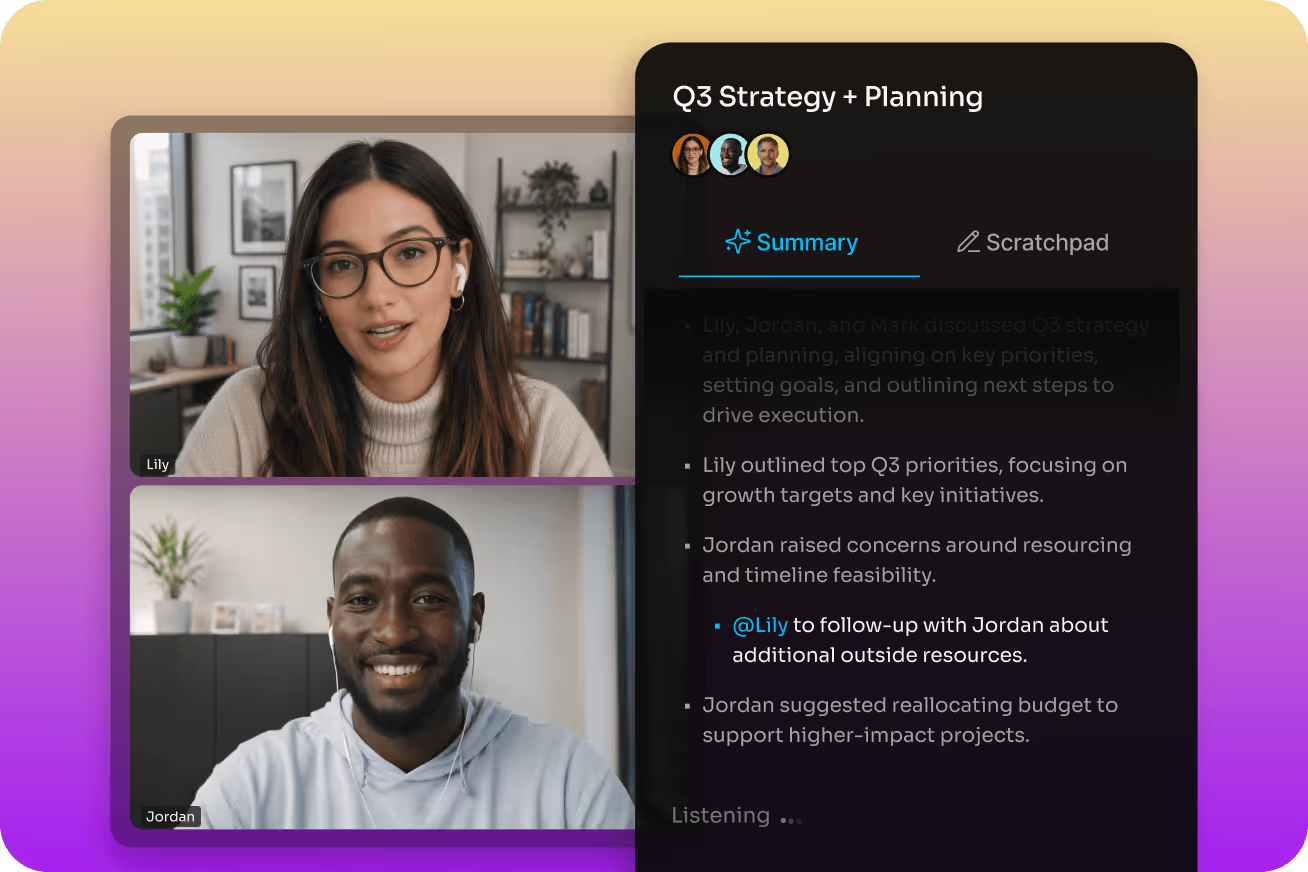
A redesigned desktop experience that keeps you present during the call and moves work forward after it.
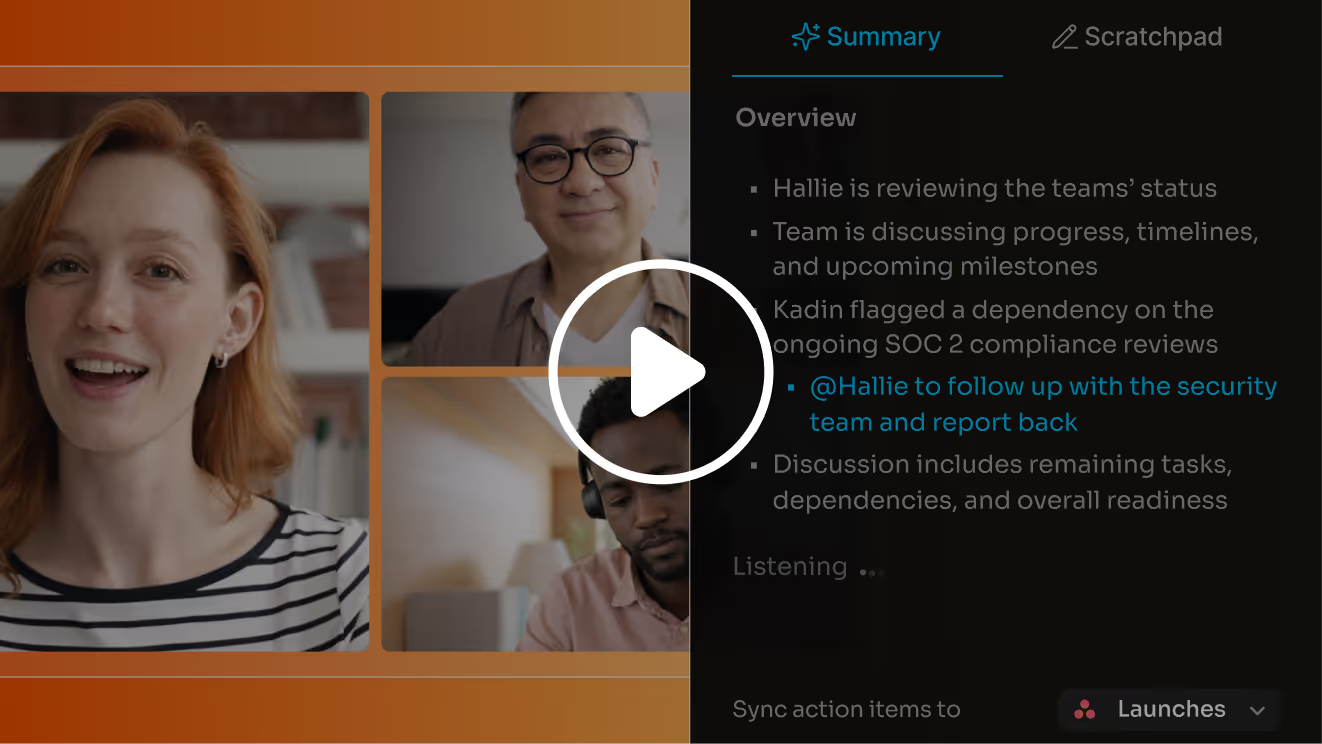
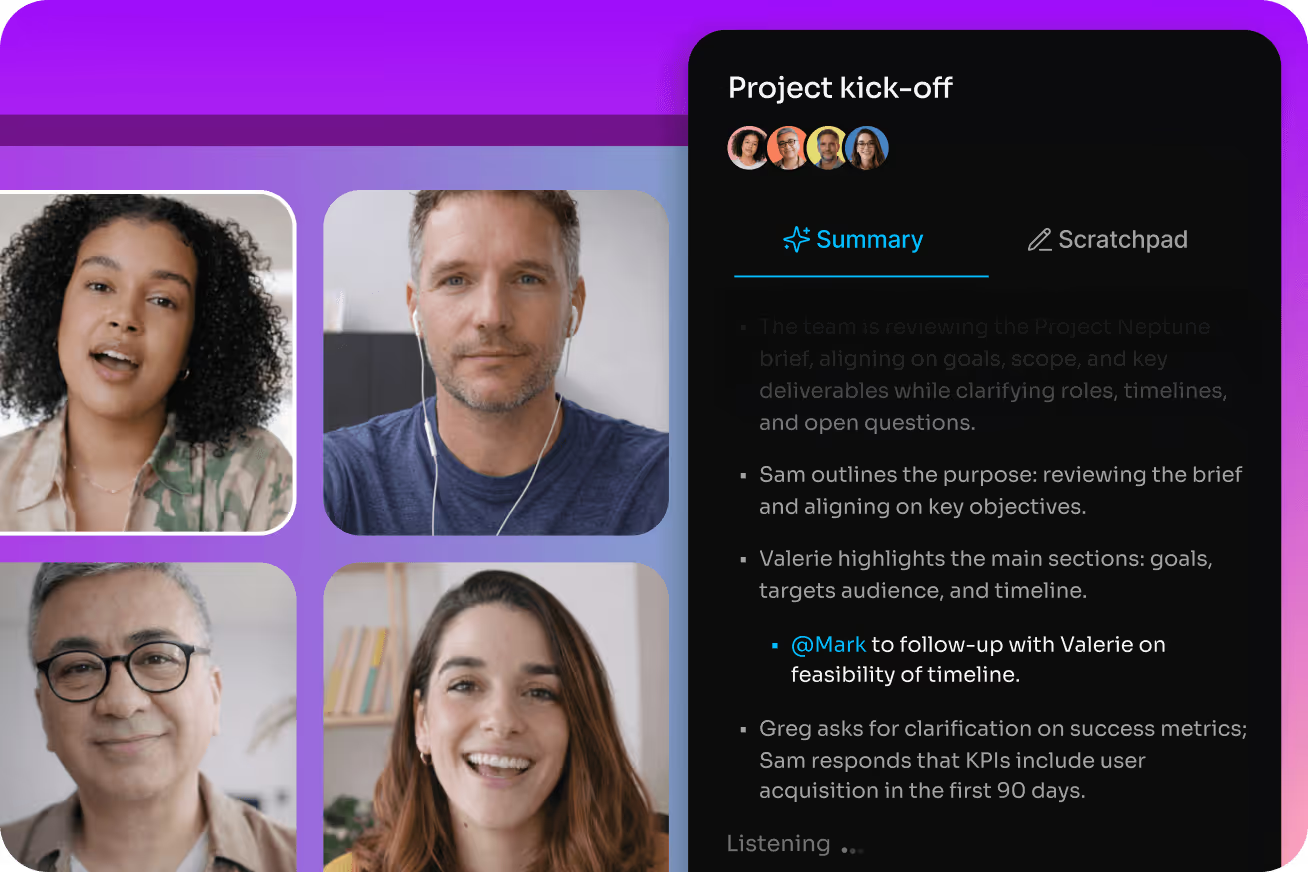
The new Fathom desktop app brings the full meeting lifecycle into a single, seamless experience. Live summaries update as your call unfolds. A built-in scratchpad lets you capture personal notes in real time during the meeting.
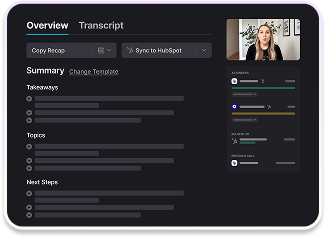
And a unified post-meeting workspace means your summary, transcript, and action items are all exactly where you expect them – without bouncing between tabs.
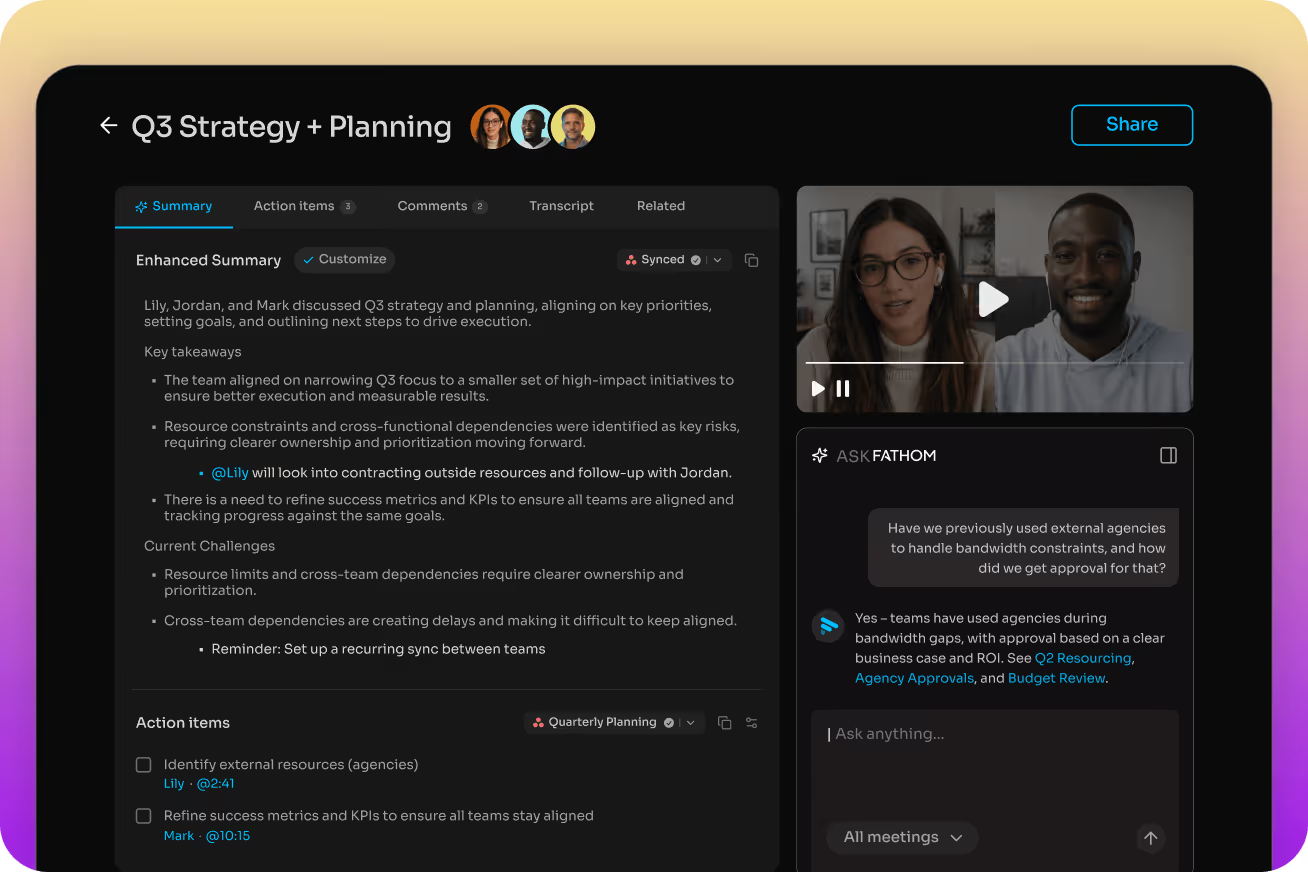
The desktop experience got a major upgrade:
- Live summaries during your meeting
Watch your summary build in real time as the conversation unfolds – so you always know where you are in the call.
- Scratchpad for personal notes
Capture your own thoughts and reactions alongside Fathom's AI notes. Your context, alongside Fathom’s.
- Unified post-meeting workspace
Everything from the call – transcript, summary, and action items – available, searchable, and actionable all in one place the moment the meeting ends.
- Less tab-switching, more doing
Search and get insights across meetings with Ask Fathom, all your meetings directly from the app. No browser required. No lost context.
Available to all
Your meetings, directly in your LLM
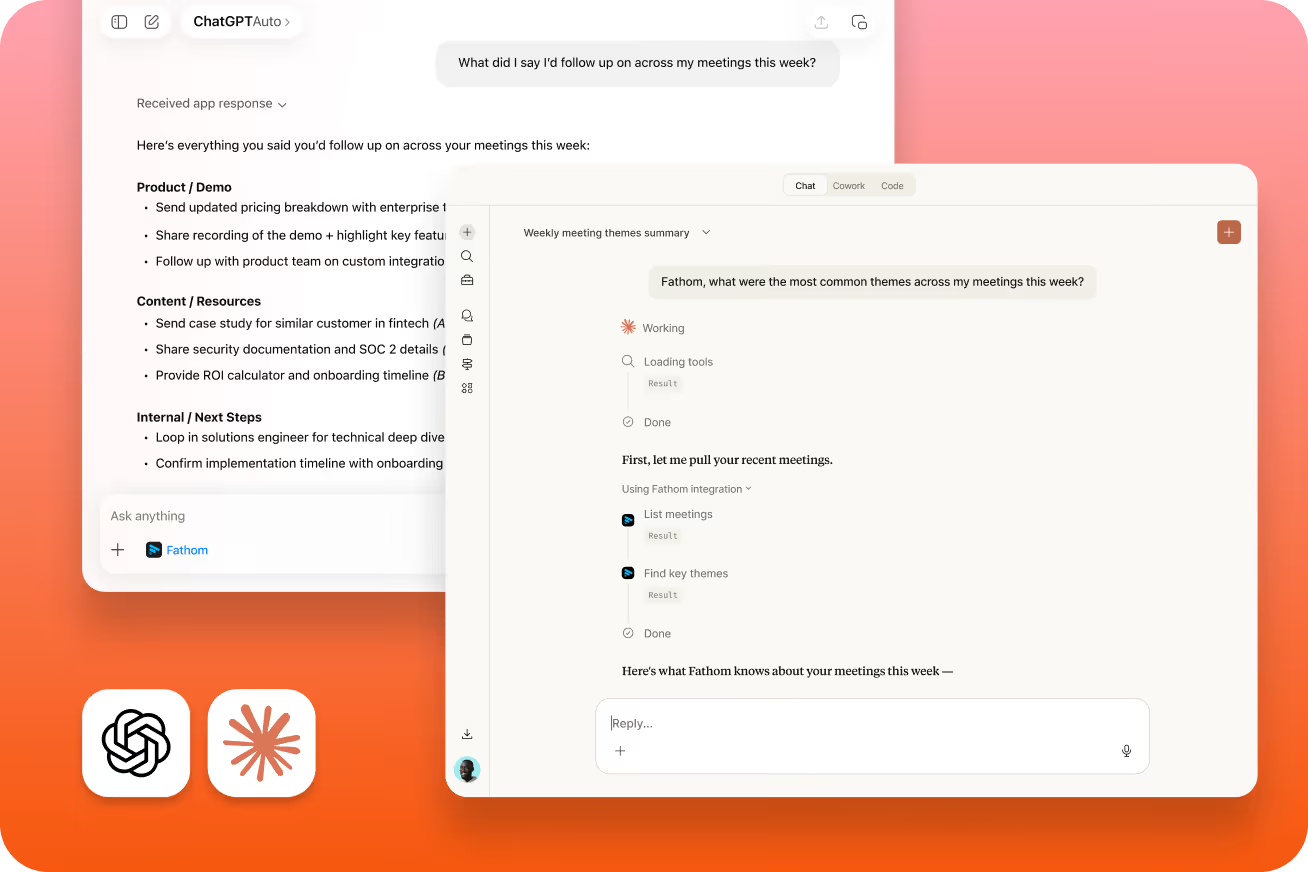
Ask questions about your meeting history directly from ChatGPT or Claude – no tab switching, no copy-pasting.
Your meeting knowledge is now available wherever you do your best thinking. With Fathom's new MCP integrations, you can query your entire meeting library from inside ChatGPT or Claude.
Ask about a customer objection you heard last week. Build a QBR for a customer, including critical meeting context. Build custom workflows on top of your Fathom data. It's your meeting intelligence, plugged into the AI ecosystem.
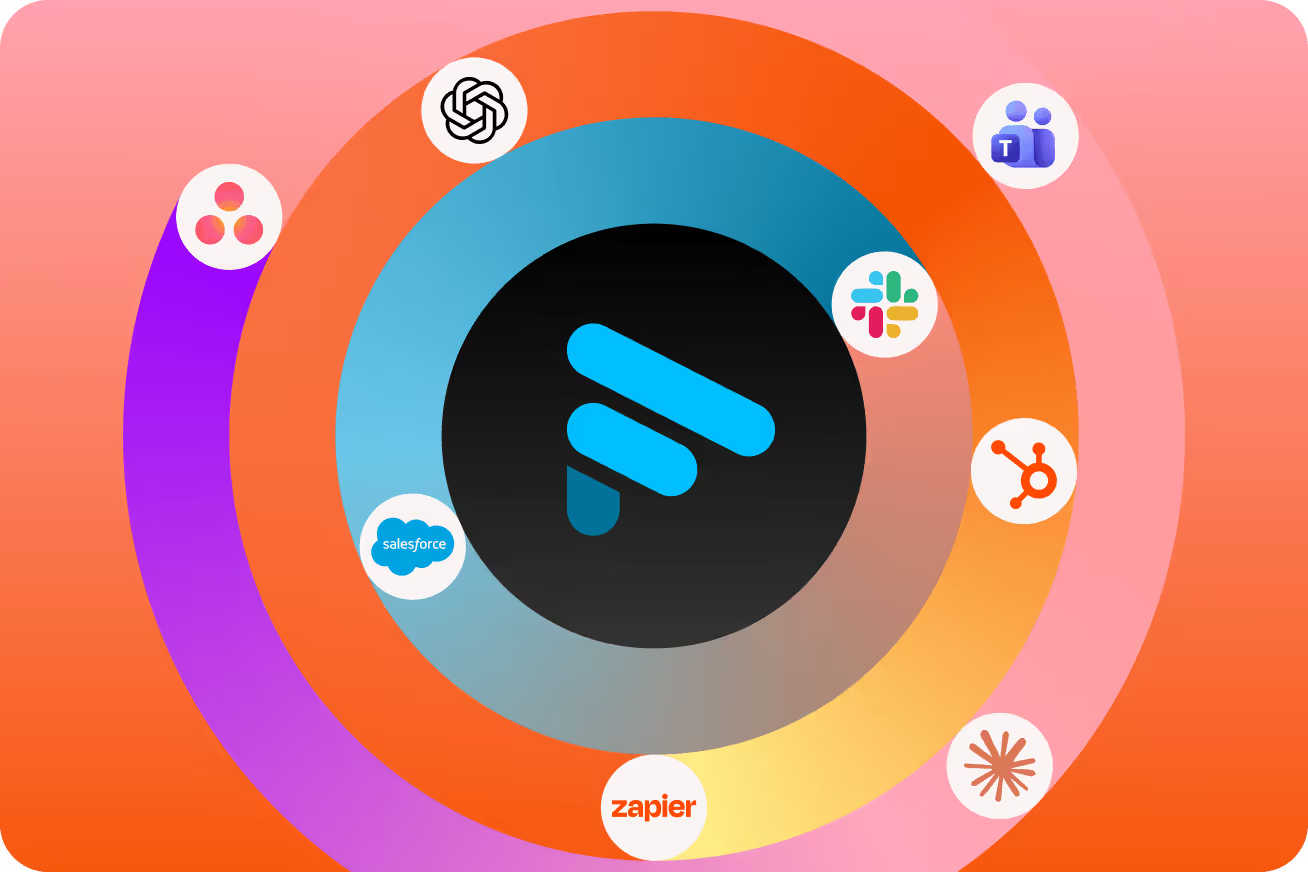
Out of the box integrations, or an MCP for it all:
- Query meetings from ChatGPT or Claude
Ask questions about your meetings directly in the AI tools you're already using – no switching, no extra steps.
- Build custom agents and workflows
Use Fathom as a data layer for AI workflows. Connect your meeting insights to pipelines, automations, and tools your team builds.
- Access meeting knowledge programmatically
Developers and power users can use search-style endpoints to pull structured meeting data into their own systems.
Explore Fathom's MCP and integrations →
Now live on Mac
Slack Huddles, finally captured.
Bot-free recording means Fathom now works in Slack Huddles – so your quick syncs are as well-documented as your scheduled calls.
Slack Huddles are where a lot of real work happens. They're fast, informal, and – until now – hard to follow up on. With bot-free capture, Fathom can join without needing a meeting bot, which means Huddles are finally fair game.
Get the same accurate transcripts, AI summaries, and action items you'd expect from any Fathom-captured call, without changing how you use Slack at all.
Ask Fathom has gone account-wide!
Instant answers across team calls, transcripts, and notes so work actually moves forward.
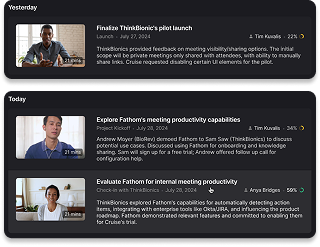
Your team has already had the conversation. Ask Fathom helps you find the answer fast – with the context, proof, and next steps right there when you need it. Ask questions across all the meetings you have access to, not just the one in front of you.

Ask across your account and find answers faster
Search across team calls, transcripts, and notes for the context, patterns, and answers you need in seconds without bouncing between calls.

Get started in seconds and save your best prompts
Use role-based prompts for Sales, CS, Product, and Ops to find useful answers right away. Save common questions, organize them into collections, and share with teammates when the same themes keep coming up.

Spot patterns across the team
See what keeps coming up across conversations, from objections to feature requests to follow-up gaps.

Move from insight to action
Turn answers into next steps without adding more manual work. Spot patterns, risks, and opportunities across conversations before they become problems.
Available on Team and Business plans
Insights find you now
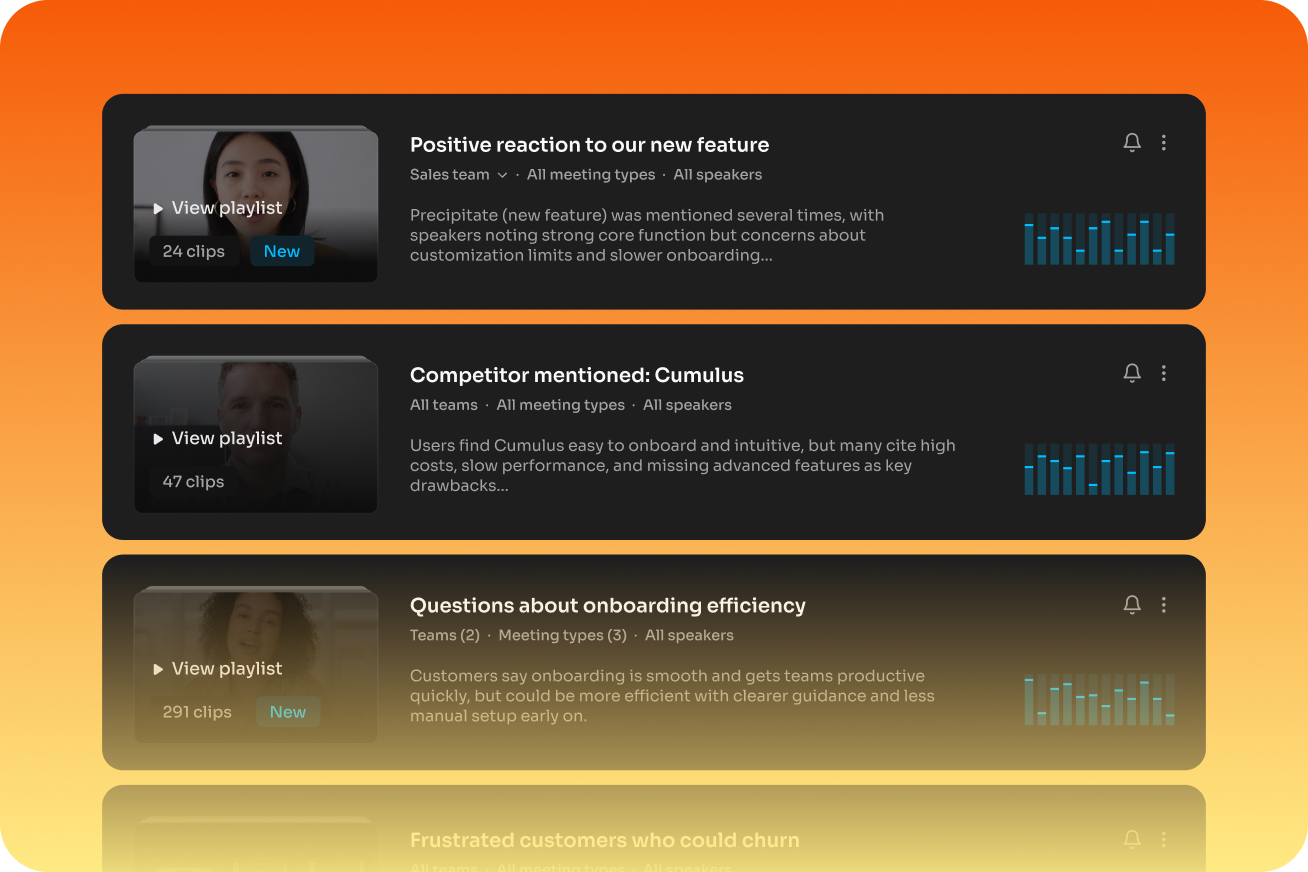
You shouldn't have to remember to go looking for a pattern – the pattern should surface itself.
Trackers watch your call history for what you've told them matters: a competitor mentioned on a sales call, a blocker that keeps coming up, a topic your team keeps circling back to. Instead of digging through summaries hoping to notice a trend, it gets surfaced automatically.
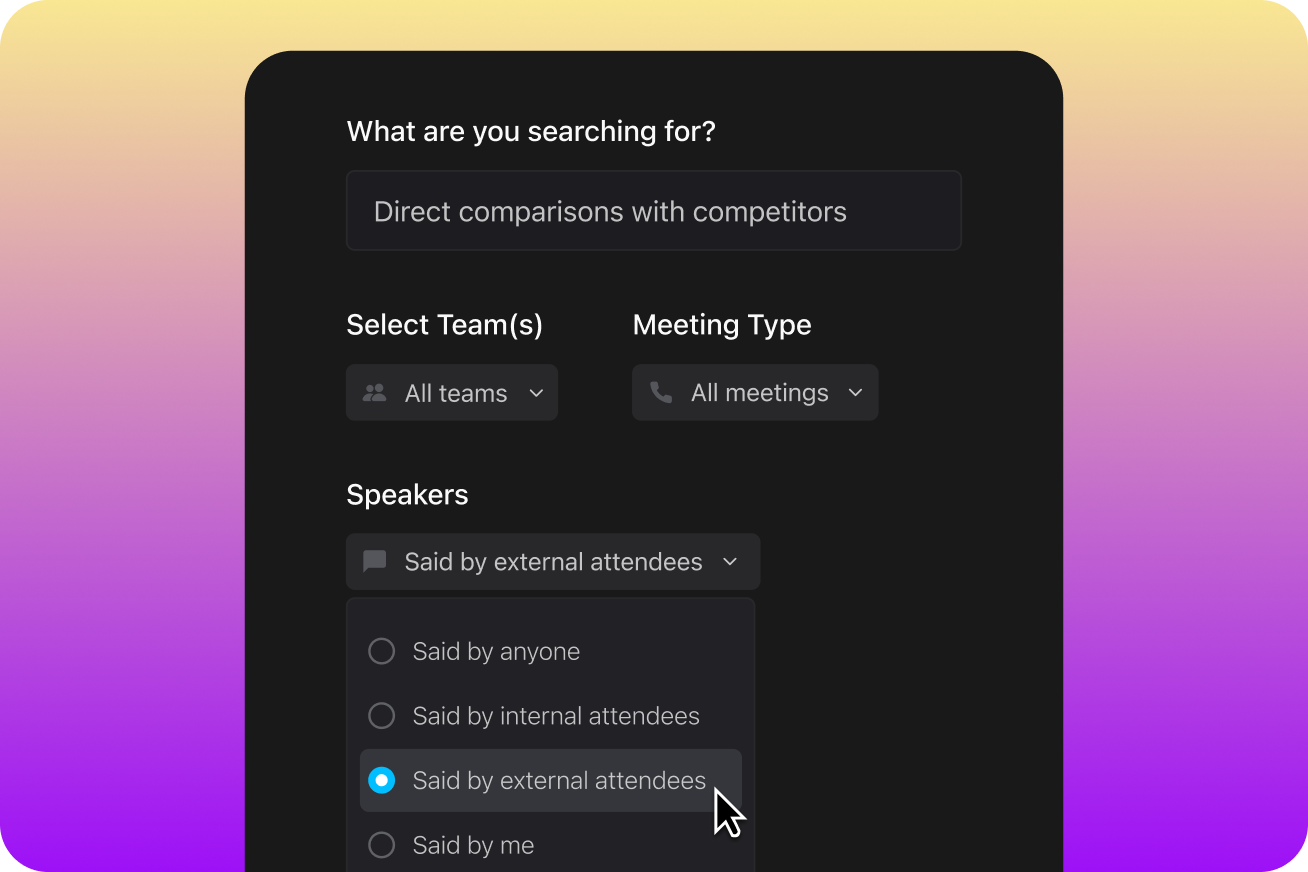
Set your Tracker once, it runs forever.
- Define a topic and every future call gets tagged against it, no manual review.
- Trackers use AI to find moments based on meaning, not just exact keywords. That means Fathom can identify broader themes even if the exact phrase wasn’t spoken.
- Route where you already look – Slack channels, email digests, or in-app notifications.
And it's about to get even better
Coming soon
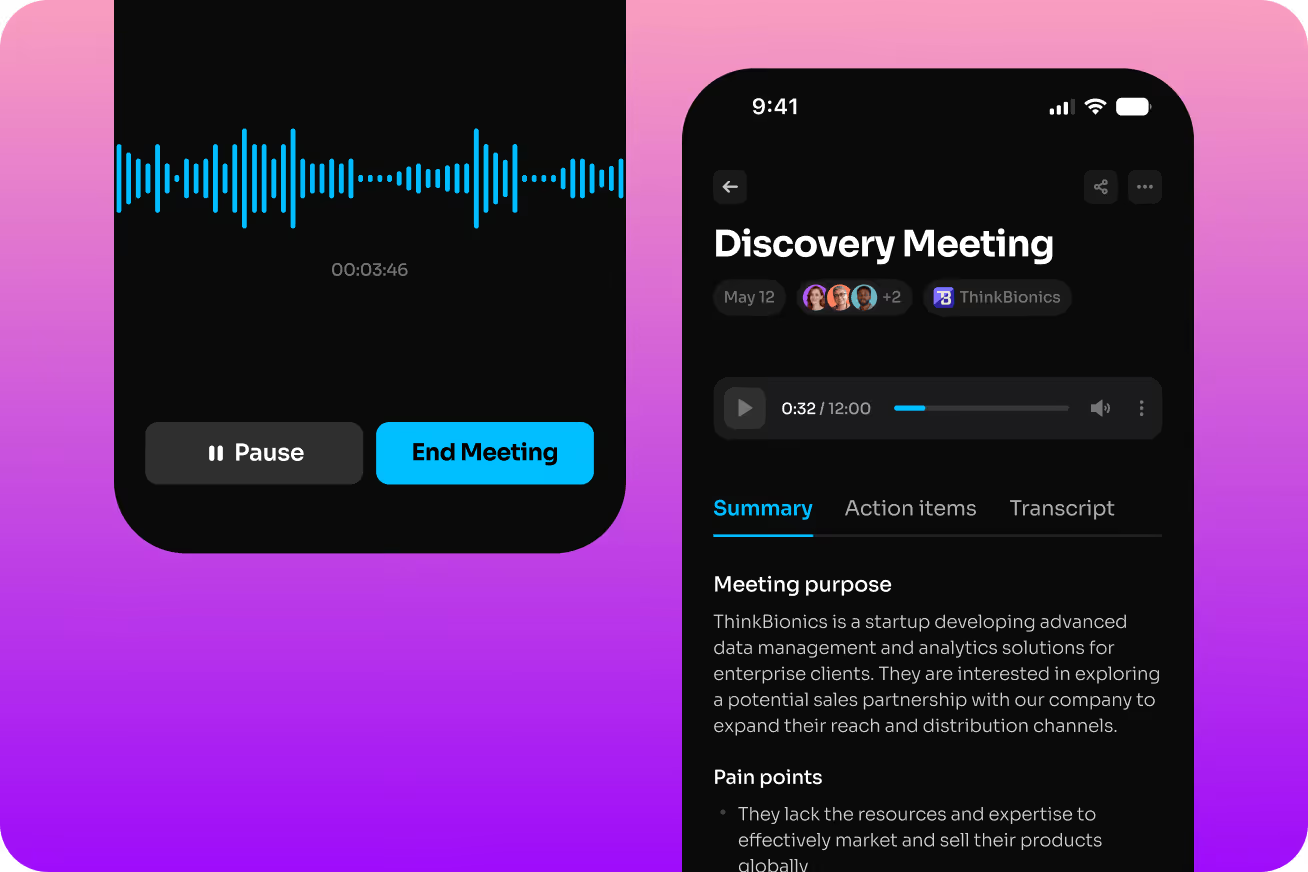
Fathom, in your pocket (on iOS)
The Fathom iOS app is almost here. Capture in-person conversations, review meetings on the go, and access your full meeting history from anywhere – so the insights you need are always within reach, even when you're away from your desk.
Whether it's a hallway conversation, a client lunch, or a walk-and-talk, Fathom will be there to capture what matters.
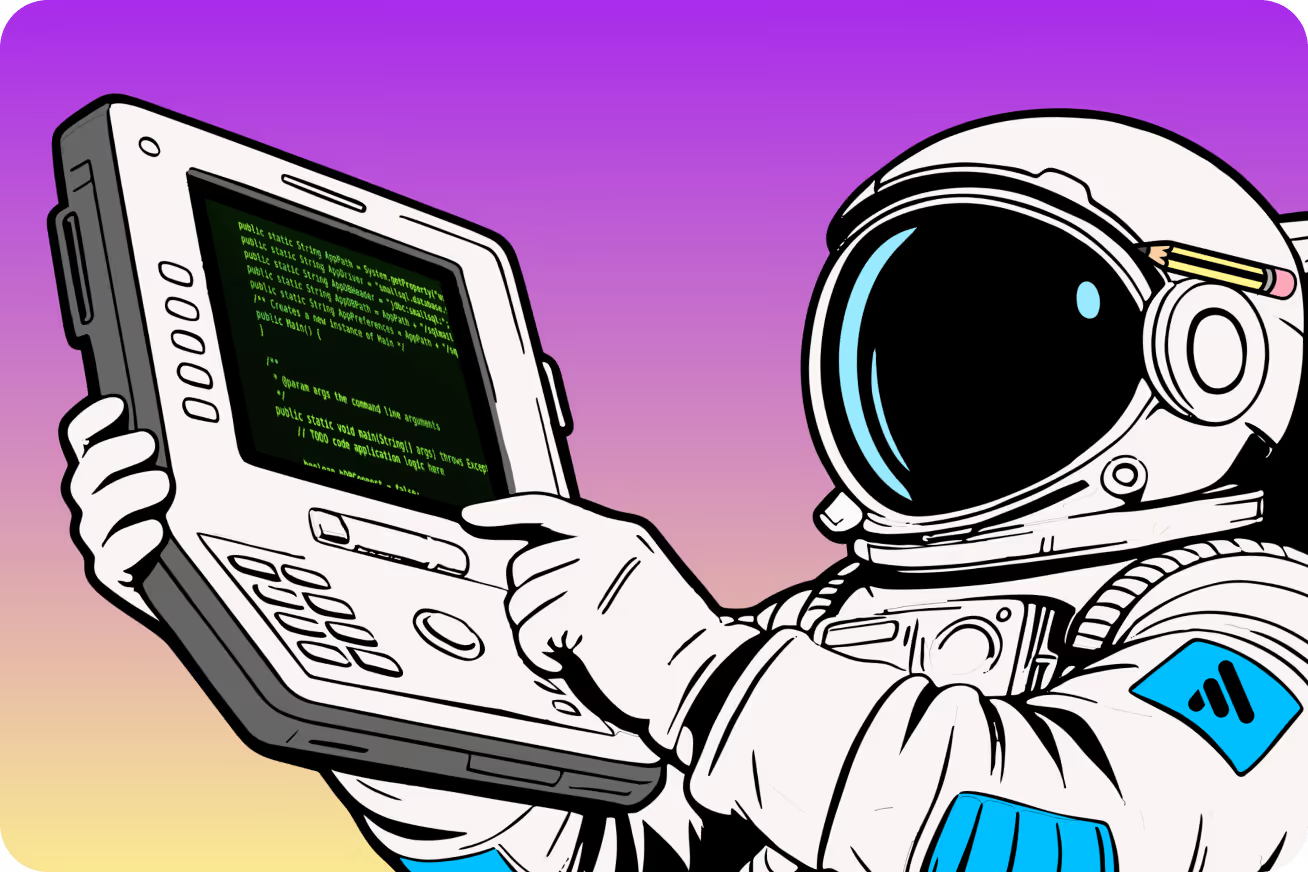
Fathom for the command line.
For developers, power users, and teams who live in the terminal – Fathom is coming to the CLI. We’re supporting local export of your call data in open formats – accessible to any CLI, agent, or tool you choose, not locked inside anyone's software.
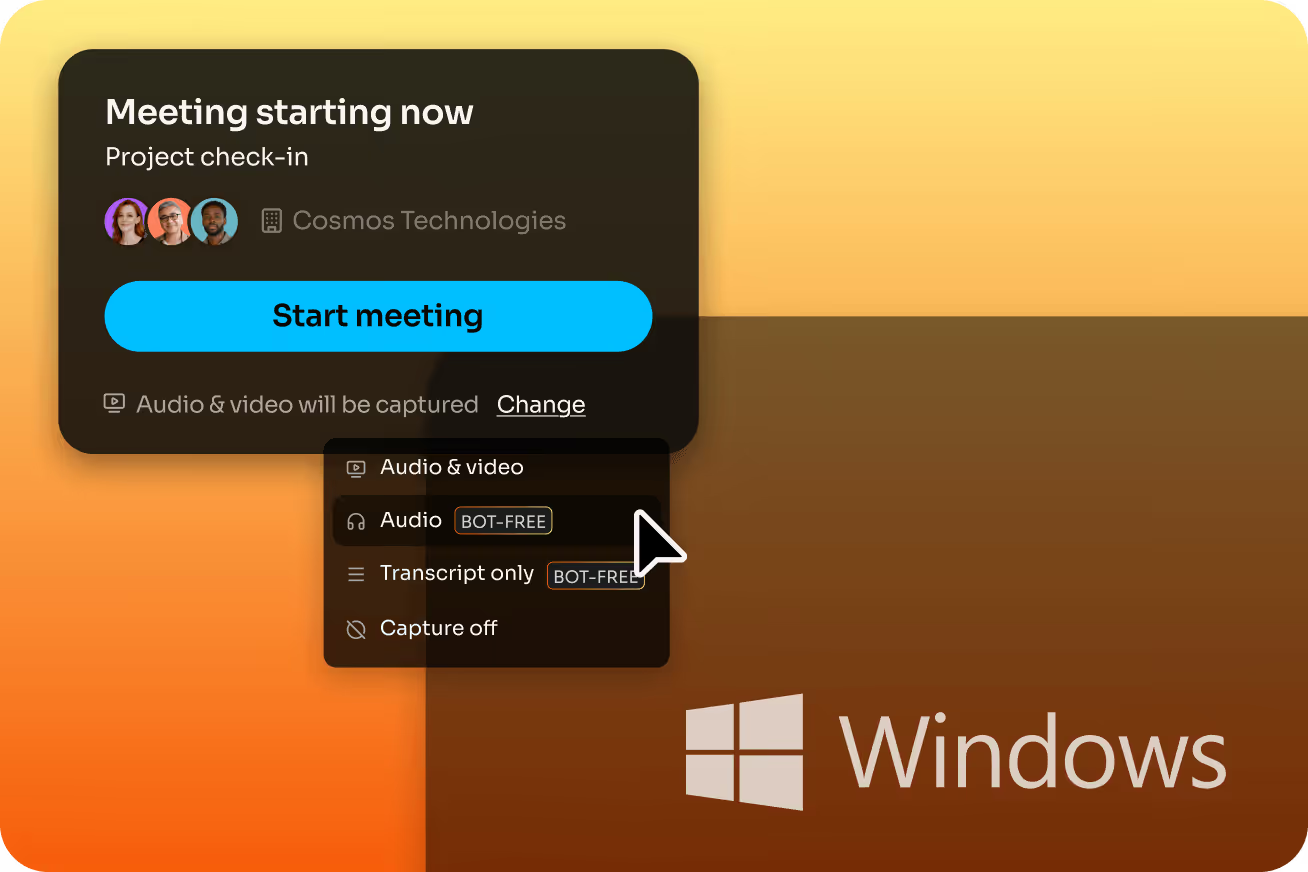
Windows users, you're up next.
The full Fathom experience is coming to PC. Bot-free capture, the new desktop app, and everything you know from Mac – now available for Windows. We're working on it and can't wait to share more.